
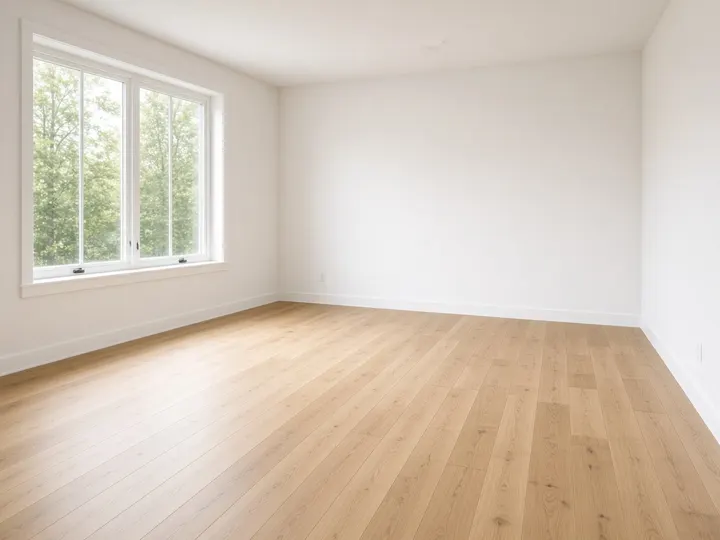
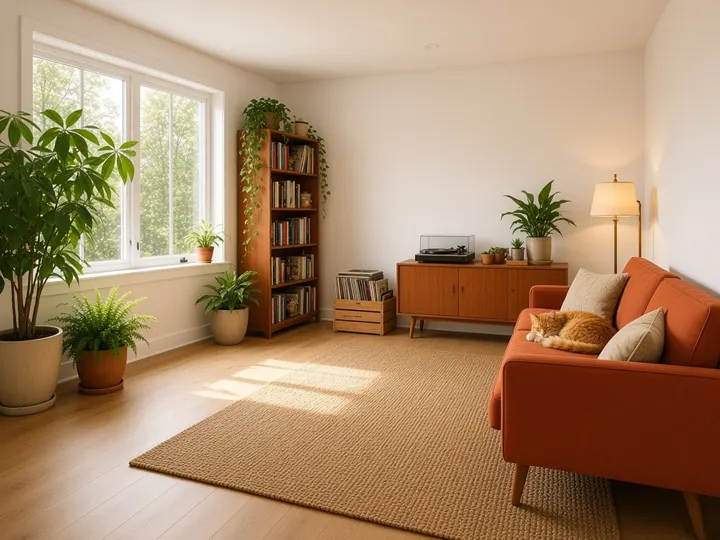
Vinyl, plants & a cat
Mid-century modern · terracotta · reading, vinyl records, houseplants
AI-generated exampleFree · No sign-up · Runs in your browser
Ride the “design this room based on what you know about me” trend in 30 seconds. Pick your vibe, copy a polished empty room AI prompt, upload an empty room photo, and let your AI assistant fill it. Works with ChatGPT, Gemini, Grok and other image-capable assistants.
BeforeAfterTap anything that sounds like you. Everything is optional — skip it all and you still get the classic prompt.
Then open your assistant, upload your room photo and paste:
RoomAboutMe is an independent free tool and is not affiliated with, endorsed by, or sponsored by OpenAI, Google or xAI. Product names are used only to describe compatibility.
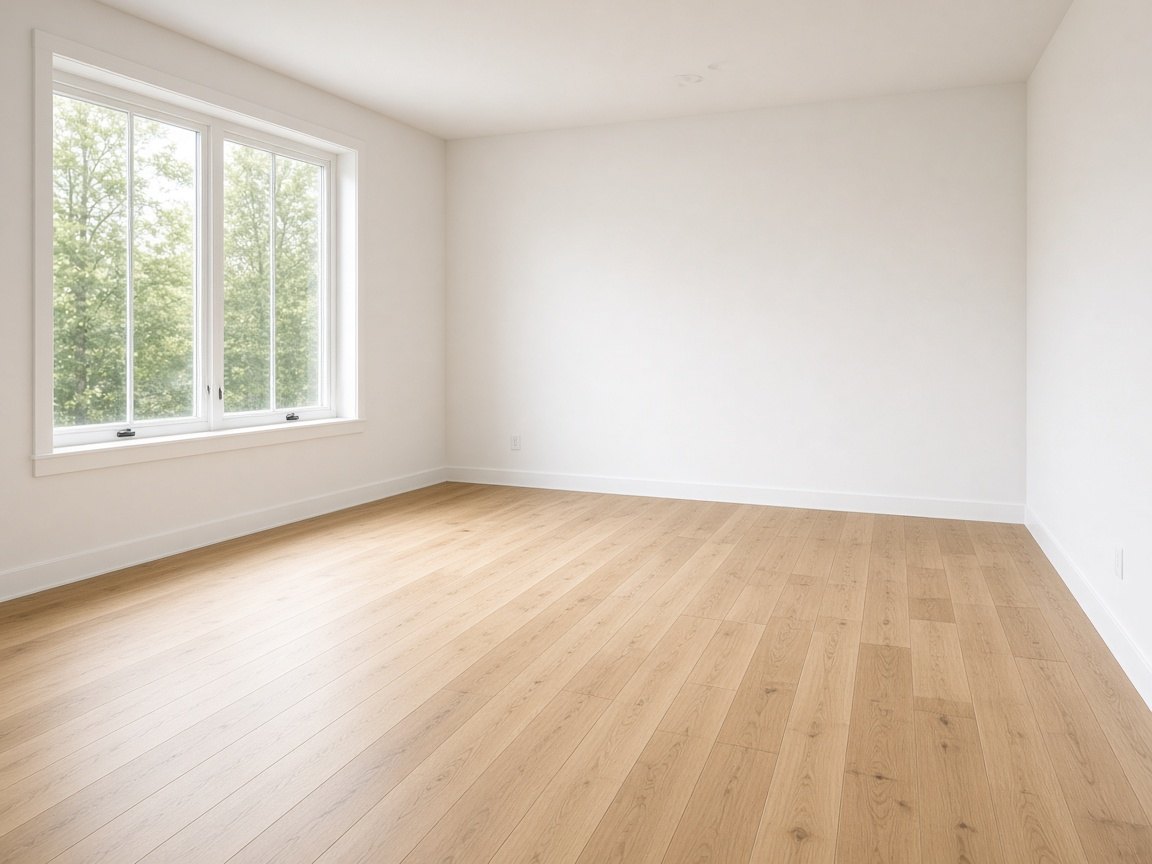
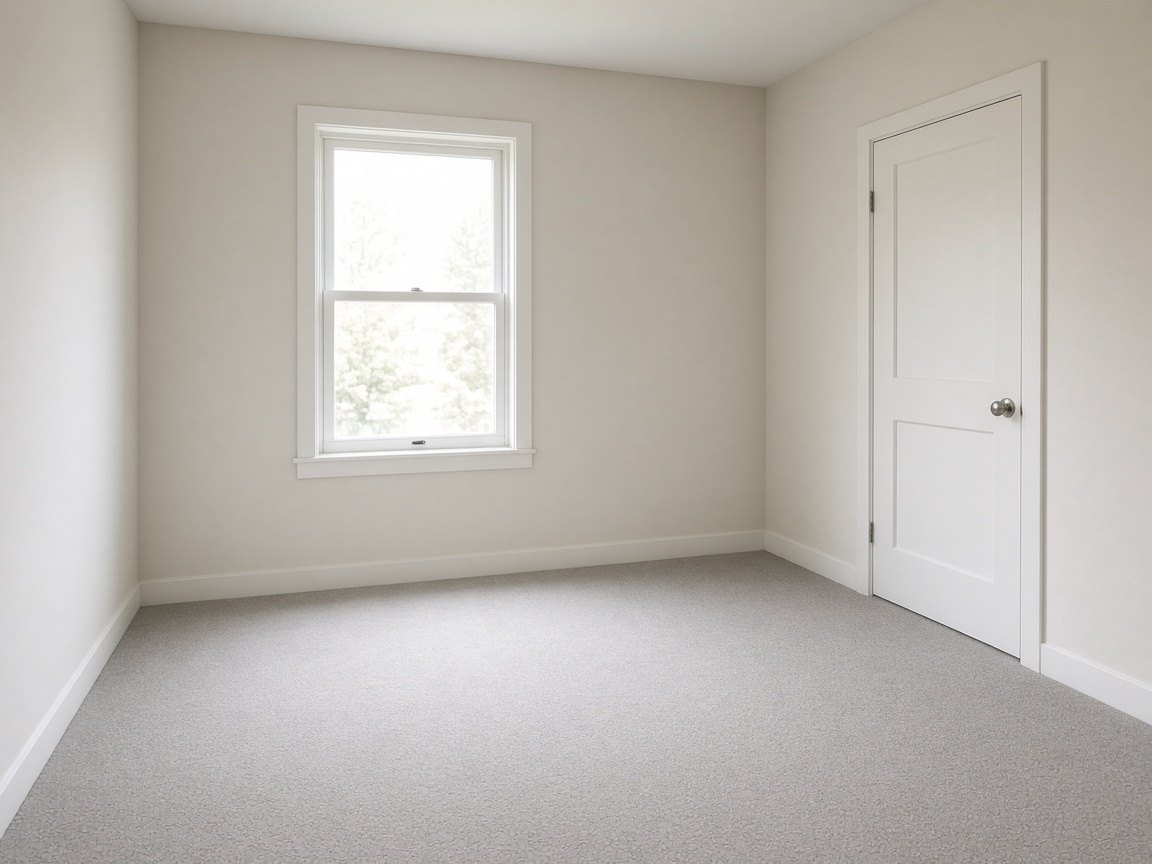
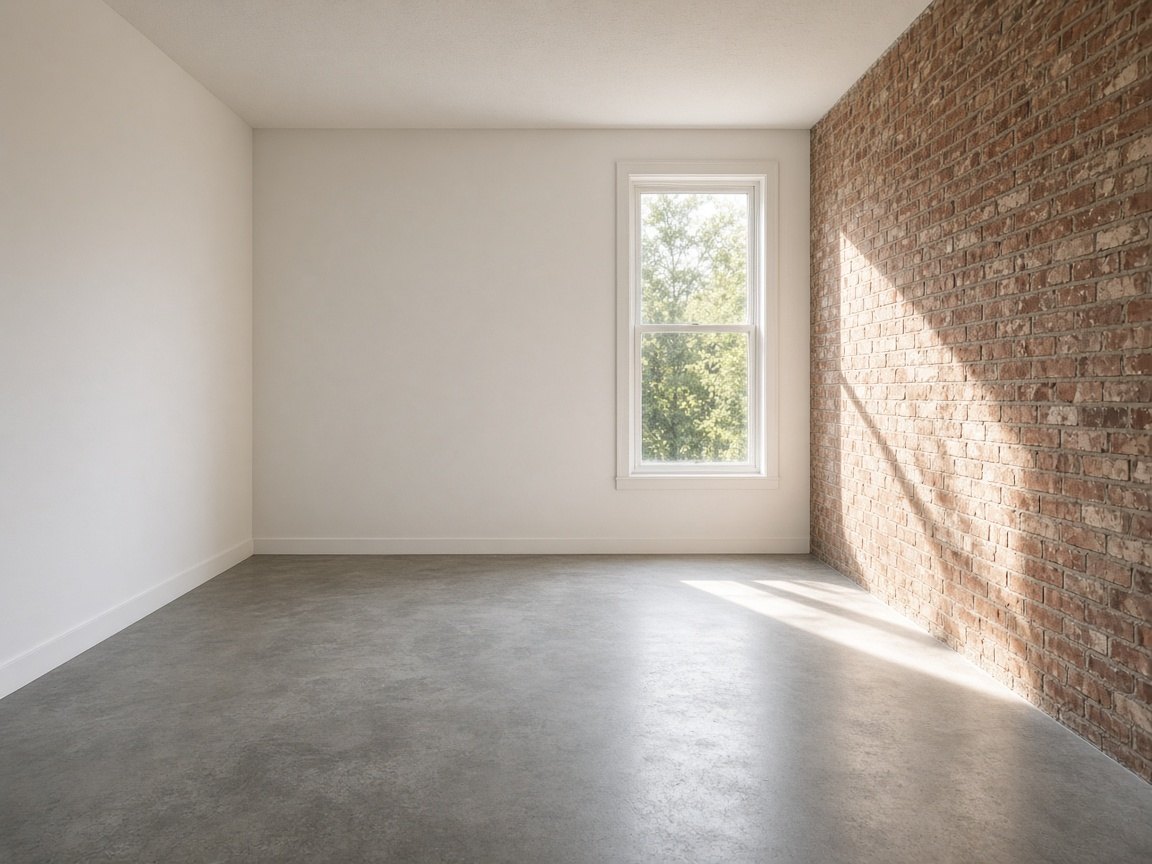
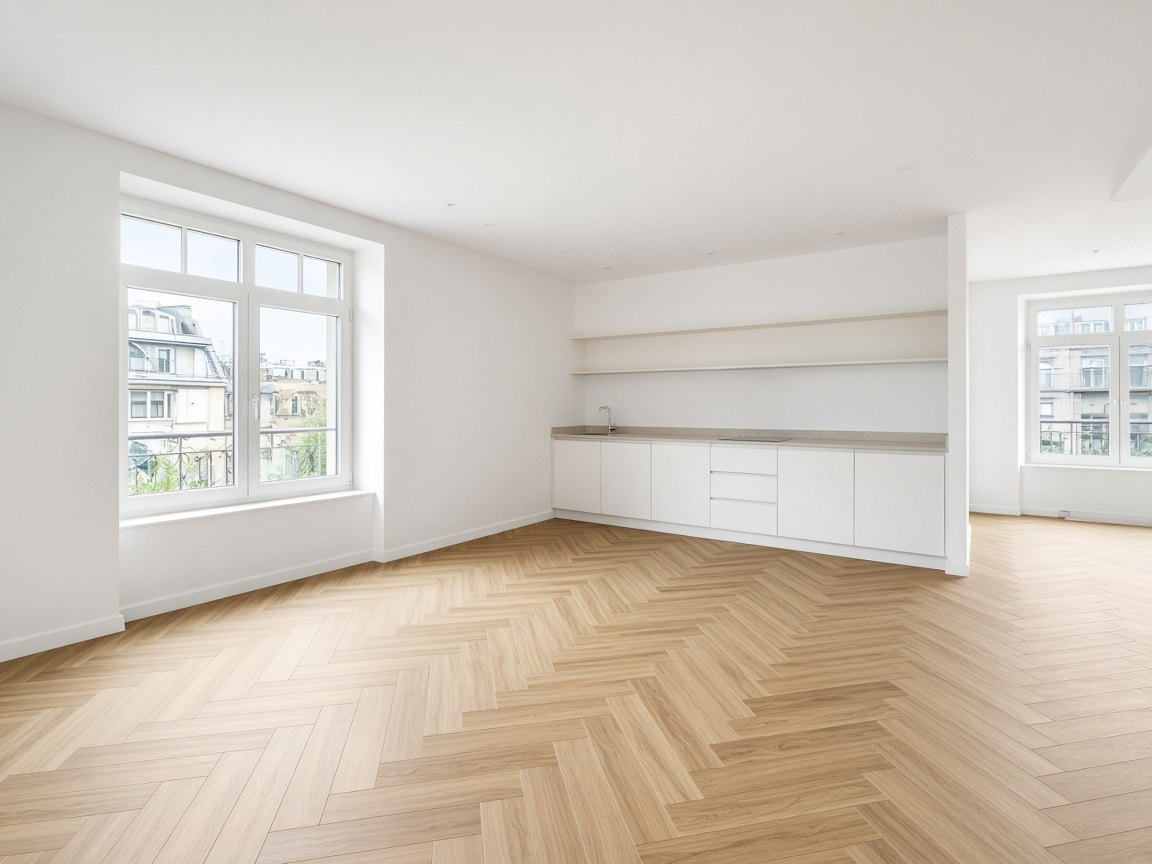
No empty room handy? Download one of these and upload it with your prompt. These are AI-generated images made for this site — free to download and use in your posts, no attribution required.
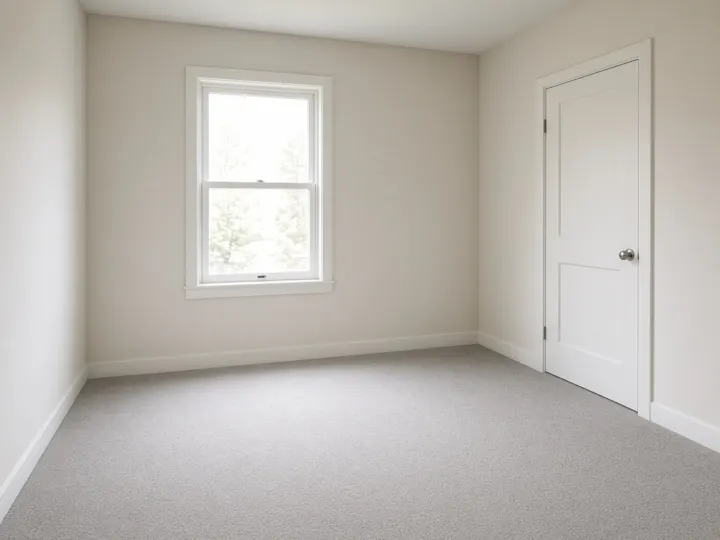
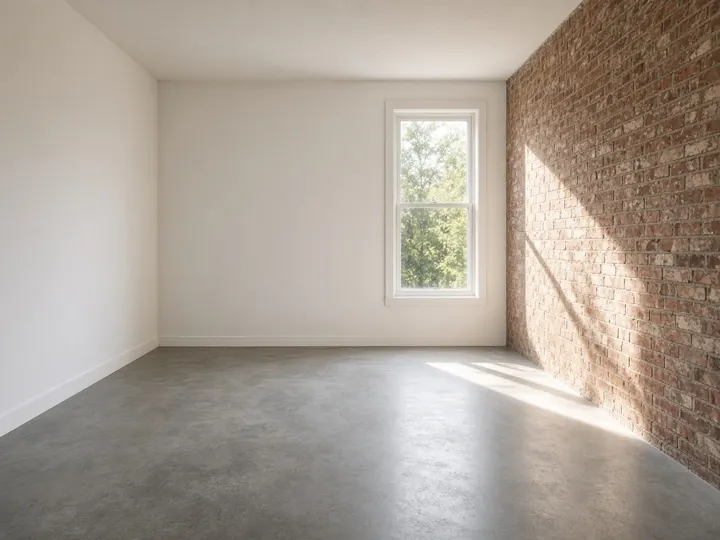
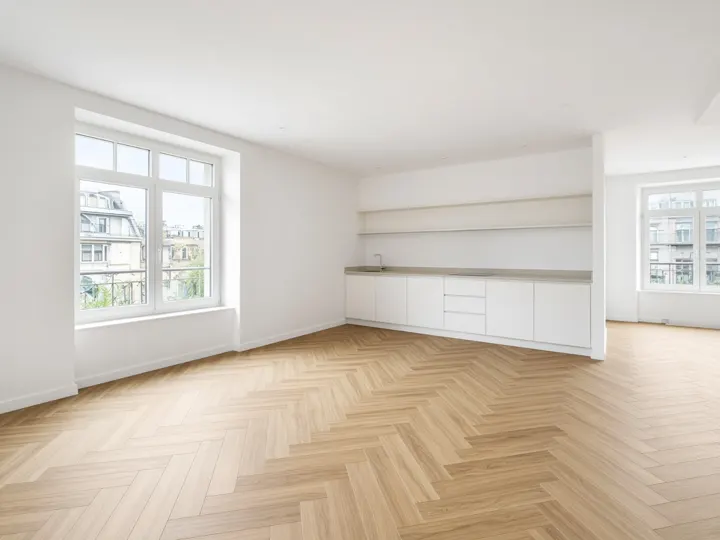
Tip: your own photo gives the most personal result. Shoot from a corner at chest height, lights on, clutter out of frame.
Each pair uses one of the free empty rooms above plus a prompt from the generator. All “after” images are AI-generated examples, not real homes.
Mid-century modern · terracotta · reading, vinyl records, houseplants
AI-generated example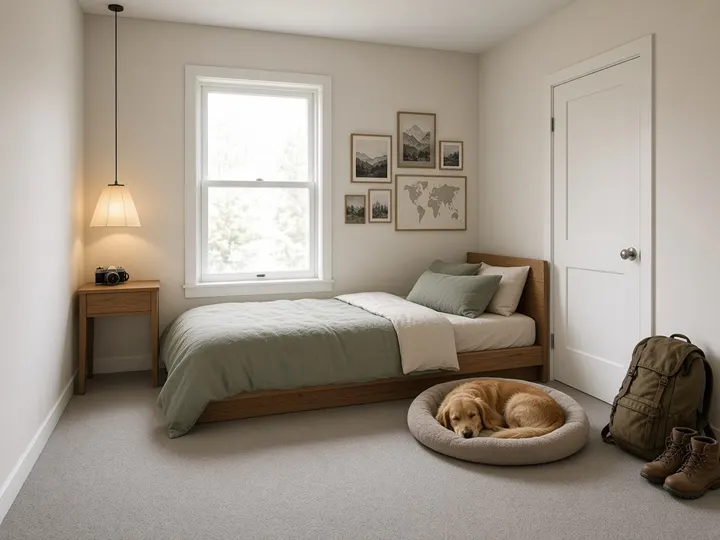
Japandi · sage green · hiking, travel, photography · a dog
AI-generated example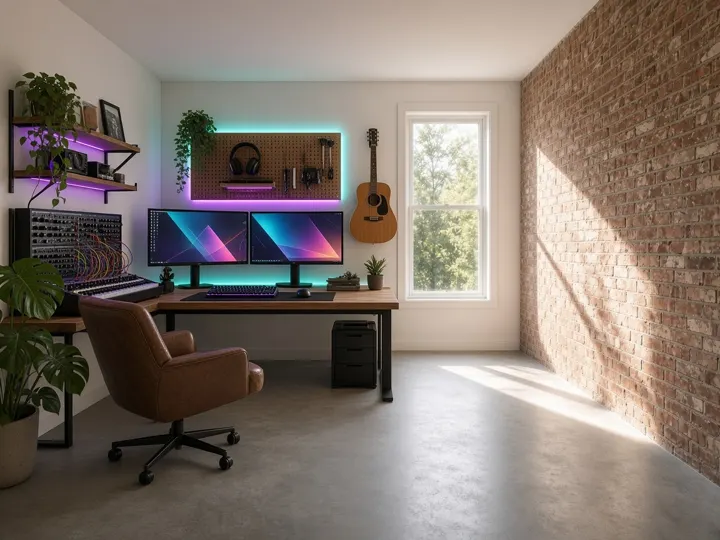
Industrial · neon accents · coding, gaming, music production
AI-generated example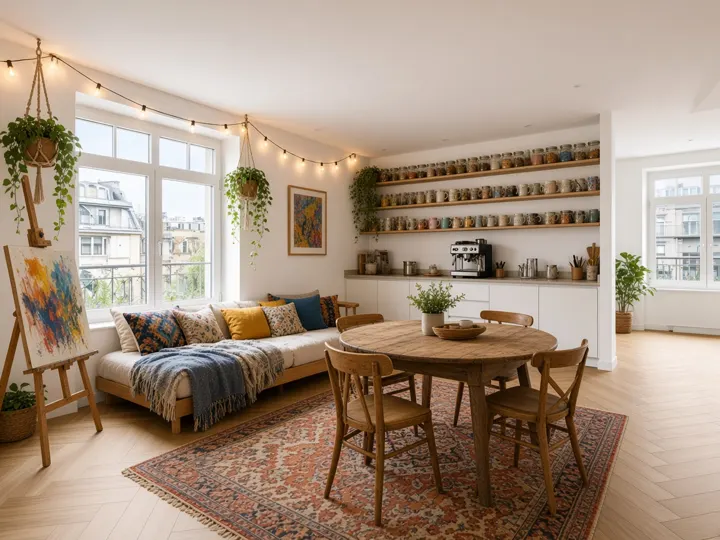
Boho · mustard & blue · cooking, painting, coffee · thrifted budget
AI-generated exampleUse a photo of your own empty or half-empty room, or grab a free empty room image above. Landscape photos with visible floor and walls work best.
In the generator, choose the room type and tap your interests, style, colors and pets. Pick the memory version if your assistant remembers past chats, or the explicit details version if it doesn’t (or you want more control).
Open an assistant that can generate or edit images (for example ChatGPT, Gemini or Grok), attach the photo, paste the prompt and send. Image generation may need you to be signed in and can be limited on free plans.
Not quite you? Reply with short tweaks: “more plants”, “swap the sofa for a sectional”, “keep the window exactly where it is”, “make it look lived-in”.
Post both images side by side. Mention it was AI-generated and that the room design reflects what the AI guessed about you — that’s the fun part.
People upload a photo of an empty room to an AI chatbot that can create images and ask it to fill or design the room “based on what you know about me”. The assistant uses its memory of past conversations (or the details you give) to guess your taste, then everyone shares the before-and-after.
The short viral version is roughly: “Fill this room with things based on what you know about me.” It works, but results vary a lot. Our generator adds style, color, layout and realism instructions so you get a cleaner, more “you” image.
The prompts are plain text, so they work with any assistant that accepts an image upload and can generate or edit images. Features, limits and memory differ between products and plans and change often, so check your assistant’s current options.
That usually means memory is off or empty. Switch to the Explicit details tab — it spells out your interests, so no memory is needed.
Yes, it’s free and there is no account. Everything runs in your browser; we don’t upload your choices or photos anywhere, and the site has no tracking scripts.
Yes. The empty room images on this page were AI-generated for RoomAboutMe and you can download and use them freely, including in social posts. No attribution needed (but appreciated).
Image models sometimes redraw the whole scene. Keep the “keep the exact room layout” option on, and if it still drifts, reply “keep the room architecture identical to my photo; only add furniture and decor.”
No. RoomAboutMe is an independent tool. ChatGPT, Gemini and Grok are trademarks of their respective owners and are mentioned only to describe compatibility.